Safeguarding Your Livelihood: Business Video Surveillance Best Practices
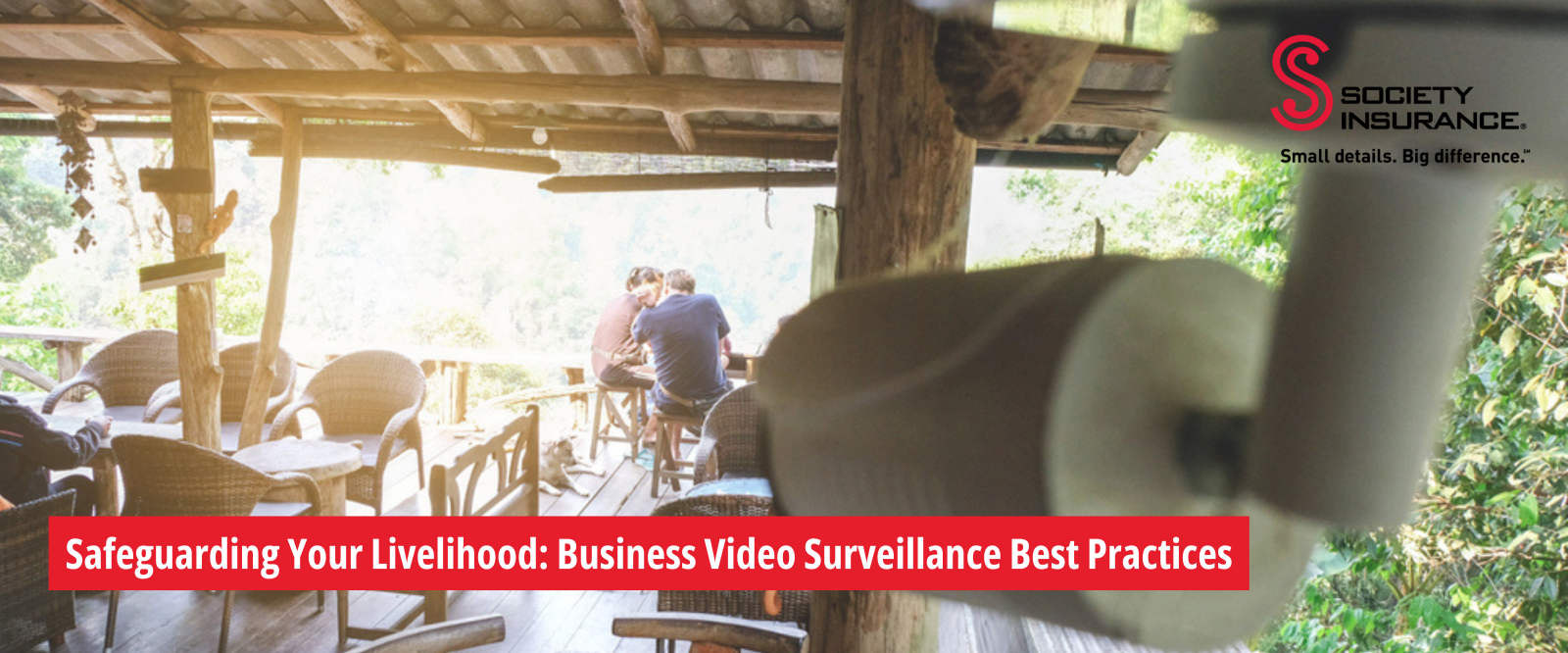
As a business owner, protecting your investment is critical. From slip-and-fall claims to theft and robbery, video surveillance plays a key role in deterring crime and documenting incidents involving customers or employees. When properly implemented, a video surveillance system can reduce losses, strengthen claims defense, and provide peace of mind.
The Evolution of Business Video Surveillance
Business video surveillance systems have become significantly more accessible and affordable over the past several decades. Once considered too costly and complex for many small businesses, modern systems now offer flexible options to meet a wide range of operational needs. With today’s technology, cost is no longer a barrier—and implementing best practices is essential to getting the most value from your system.
Identifying Vulnerabilities and High-Risk Areas
Start by walking through your entire facility during different times of day and seasons. Document areas where:
- High-value merchandise or equipment is stored
- Cash transactions occur frequently
- Employee access is limited or unsupervised
- Natural surveillance is poor due to lighting or layout
- Previous incidents have occurred
Evaluating Current Security Measures
Assess your existing security infrastructure, including:
- Physical barriers like fences, gates, and locks
- Lighting coverage throughout your property
- Alarm systems and access controls
- Employee security protocols and training
Understanding Your Business-Specific Risks
Different industries face unique security challenges. Restaurants may need to focus on point-of-sale areas and back-of-house storage, while retail stores might prioritize high-theft merchandise areas. Manufacturing facilities often require coverage of loading docks and equipment storage areas.
Six Best Practices for Business Video Surveillance
- Use Professional Installation Whenever Possible
After selecting a system, professional installation is strongly recommended. Experienced technicians can assess your facility, identify vulnerabilities, and ensure optimal camera placement.
If you choose to self-install, take time to understand system limitations and thoroughly evaluate your property. Identify high-risk areas and ensure camera placement prevents movement through the space without being captured—often referred to as the “trap” technique.
- Place Cameras Strategically
Camera placement is critical to system effectiveness. Focus coverage on:
- Entrances and exits
- Storage areas
- Points of sale or monetary transactions
- Work areas
- Loading docks
- Parking and perimeter
- Break rooms
Avoid cameras in areas where privacy is expected, such as restrooms, dressing rooms, or hotel rooms. Surveillance and privacy laws vary by state, so confirm legal requirements before installation.
- Establish Clear Operating and Maintenance Procedures
A consistent process for managing your surveillance system improves reliability and usefulness:
- Keep the system recording continuously (24/7).
- Secure and conceal digital video recorders.
- Retain footage for at least 30 days.
- Store footage on a DVR or other secure system; local storage is often less vulnerable to interference than cloud-only options.
- Save relevant footage to external media (e.g., thumb drive or external hard drive) when incidents occur.
- Secure Access to Video Data
Surveillance footage may contain sensitive business or customer information. Limit system access to trusted, vetted managers, and protect login credentials.
Maintain a written incident log near the system so employees can record the date and time of incidents when authorized personnel are unavailable. Accurate time documentation significantly reduces the effort required to locate critical footage.
- Preserve Footage
Preserve all video related to potential claims. Surveillance footage often contradicts or disproves allegations—and sometimes shows that no incident occurred at all.
Save footage up to an hour before and an hour after the incident to show what may have happened leading up to the incident as well as post-incident.
Deleting unfavorable footage can expose your business to spoliation claims (destruction of evidence). Courts may allow juries to assume deleted evidence was harmful to your defense, significantly weakening your legal position. Once you become aware of a potential claim, save all relevant footage and provide a copy to Society’s claims department.
- Ensure Proper Lighting and Technical Specifications
High-quality footage depends on adequate lighting and proper camera specifications. Poor lighting is one of the most common reasons surveillance footage becomes unusable during investigations.
Lighting
- Minimum illumination levels: Ensure at least 10-20 lux of light in critical areas for standard cameras
- Infrared capabilities: Consider cameras with built-in IR illuminators for 24/7 coverage
- Backlighting solutions: Position cameras to avoid shooting directly into bright light sources
- Emergency lighting: Maintain backup lighting systems to ensure continuous coverage during power outages
Technical Specifications for Optimal Quality
- Resolution: Use cameras with minimum 1080p resolution; 4K provides even better detail for facial recognition
- Frame rate: Maintain at least 15 frames per second (fps) for smooth motion capture
- Storage capacity: Calculate storage needs based on resolution, frame rate, and retention requirements
- Weather resistance: Choose cameras with appropriate IP ratings for outdoor installations
Choosing the Right Video Surveillance System
Systems vary in how footage is stored and retrieved. While longer retention periods may seem preferable, excessive storage can reduce video quality. Aim for a balance that allows at least 30 days of clear recordings, giving you sufficient time to identify and investigate incidents that may not be reported immediately.
Ensure the system allows easy external backup of footage, and refer to the manufacturer’s operating manual for proper saving procedures.
Video surveillance is an effective, around-the-clock tool for protecting your business and supporting claims defense. For more information, consider reading “5 Reasons Your Business Needs Video Surveillance” and exploring additional resources in our Risk Control Library.
Society Insurance was recently named in the Business Insurance Best Places to Work in Insurance 2023 program, which recognizes employers for establishing exceptional workplaces where employees can thrive, enjoy their work and help their companies grow. The company is known throughout the industry as a leader in providing superior restaurant and bar insurance, custom-tailored to fit each operation's unique needs. To learn more, visit societyinsurance.com/georgia.
This information is provided as a convenience for informational purposes only and does not constitute legal or professional advice. It is provided to assist you in recognizing potential unsafe work problems or conditions and not to establish compliance with any law, rule or regulation.